
Mobile App Development
Mobile applications are appropriate when the user is moving — drivers, field officers, parents, customers — and needs a focused interface rather than a full desktop system. We only claim the mobile technologies we have actually used on a project.
What we actually ship on mobile
FluxMove includes an optional Expo driver app for on-the-road workflow (jobs, status, proof) alongside the Next.js web platform. VayaSA is a passenger and operator product built to work on a phone in the browser; we do not list a separate native store app for it on this site. Other systems — school portals, Tshira, SmartCity Muni — are used on mobile browsers where that is how staff work.
We decide Expo, responsive web, or a later store listing based on the job, offline needs and budget. We do not advertise Swift or Kotlin native apps we have not shipped on a named product here.
How the mobile surface should work
- Same business rules as the web system — not a second source of truth.
- Role-specific jobs: driver, customer, officer.
- Status updates, and photo or document capture where the process needs it.
- A web console for the staff who are not in the field.
Cost follows platforms, backend and integrations — not a national average. See mobile app cost factors.

Expo module + web platform
FluxMove driver workflow
Customers quote and book on the web. Drivers can use a mobile module for on-the-road steps.
- Expo
- Drivers
- Quotes
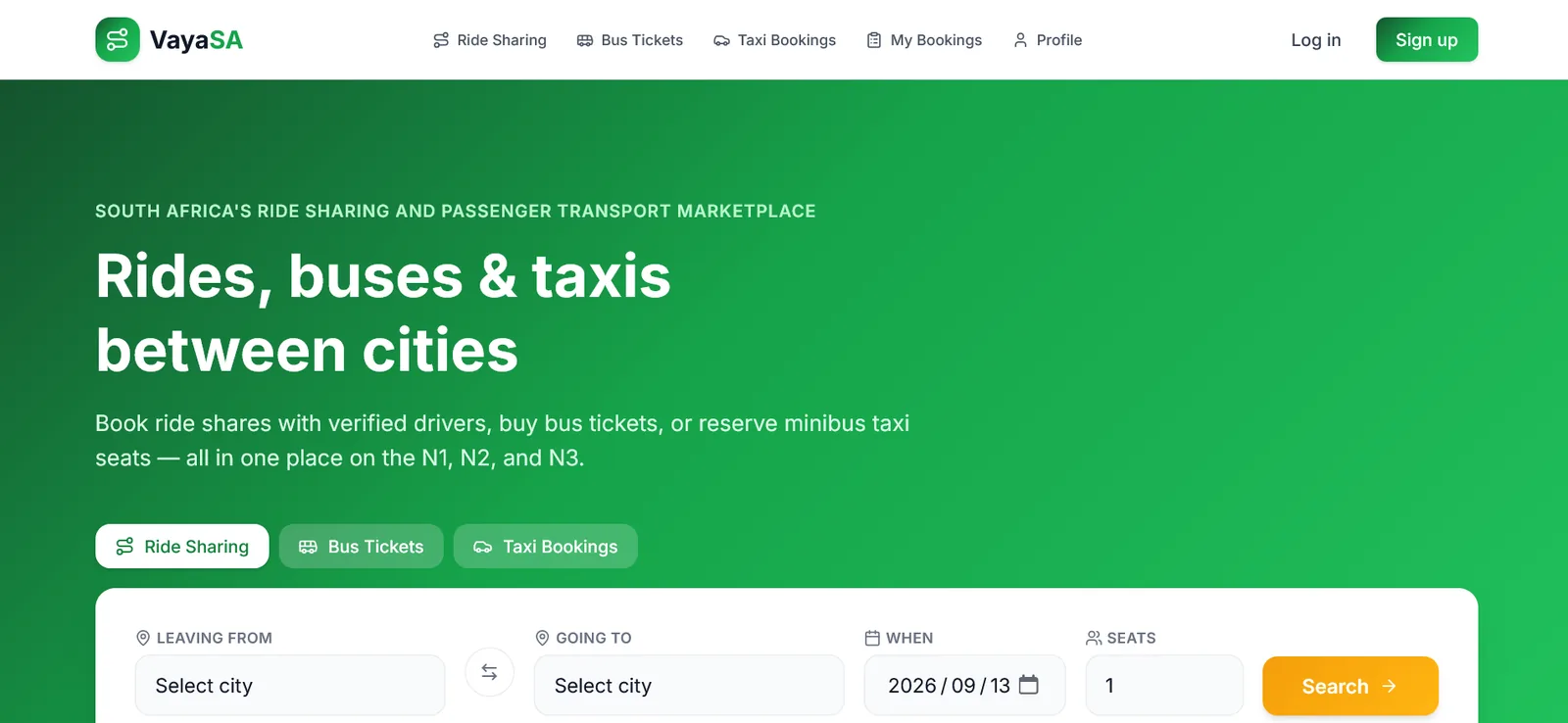
Mobile-ready web application
VayaSA on a phone
Passengers search ride shares, bus tickets and taxi seats from a phone-sized interface.
- Search
- Tickets
Questions
If yours is not here, put it on the enquiry form.
Do we need iOS and Android on day one?
Not always. Many products launch with a responsive web app and add an Expo or store client when the workflow needs device features or a listing.
What does a mobile app cost?
Cost follows features, platforms and integrations. Use the Knowledge Centre article, then request a scoped conversation.
Talk to Our Developers
Describe the process you want on a computer. We will say whether to build, adapt something we already have, or leave it.